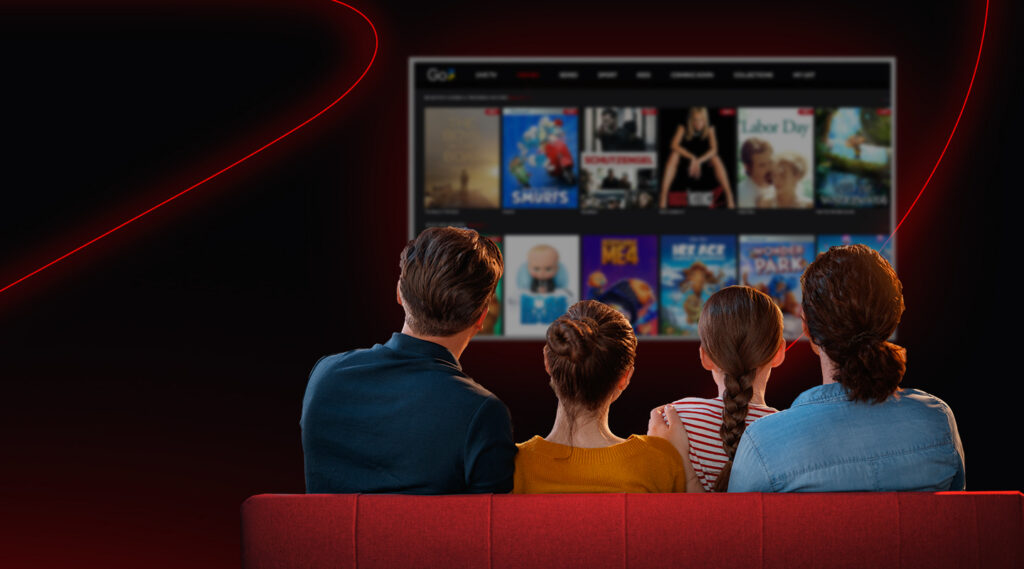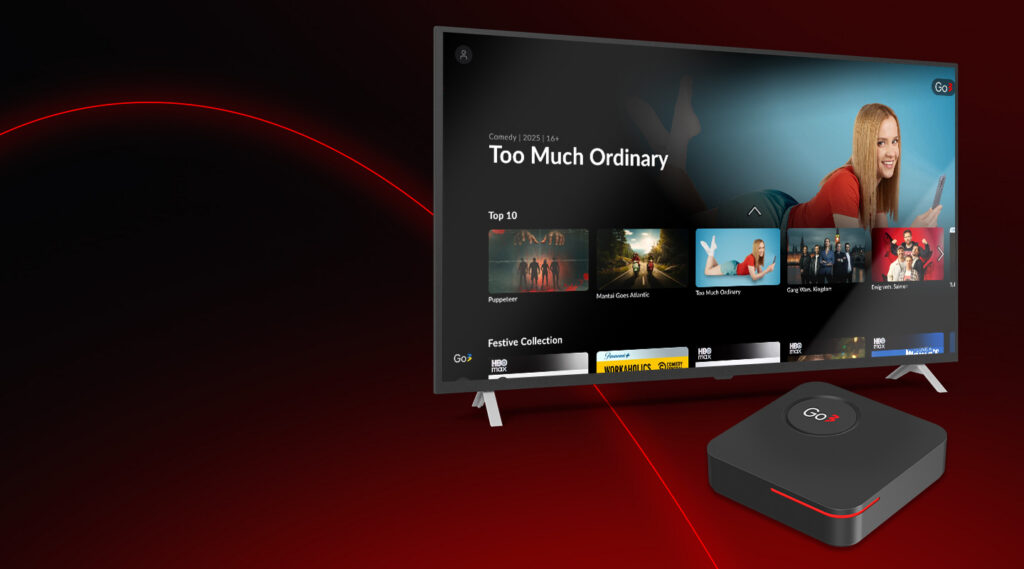

Many people use Go3 every day to watch live TV, films, series, sports and more. With so much content and so many features, it’s normal to have questions about how everything works. Below we answer ten of the most frequently asked questions in a simple, easy-to-read way. This article will help you understand how to use Go3 clearly and confidently.
1. What Is Go3 and What Can I Watch on It?
Go3 is one of the largest video streaming platforms in the Baltic region. It gives viewers access to thousands of hours of films, series, live TV channels, sports broadcasts, and kids’ shows in one place. Go3 also offers additional content packages such as HBO Max, Netflix and Extra Sports, depending on the subscription plan you choose.
2. How Do I Create and Use My Go3 Account?
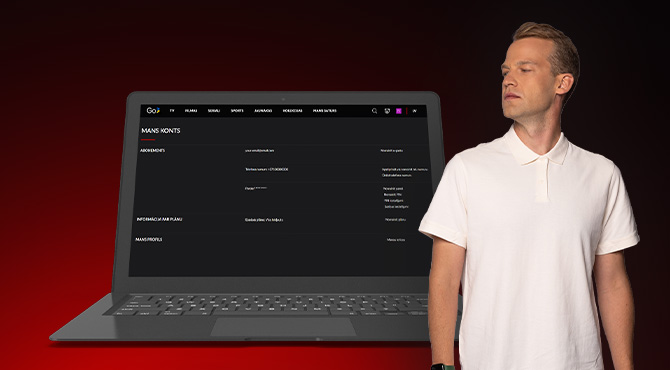
Using Go3 begins with creating an account. You can register directly through Go3 or sign up via our partners such as Bitė, Tele2, or Home3. Once your account is active, you can log in on different devices such as phones, tablets, computers, and Smart TVs. Please note that account management (self-service) is available only on the Go3 website. That’s where you can update personal information, change your PIN code, link a TV device, or manage your plan. These self-service options make it easy to keep control of your Go3 experience.
3. What Subscription Options and Plans Are Available?
Go3 offers different subscription plans to suit different needs. These plans give access to a mix of content like films, series, live TV, sports, and additional channels. Prices and included content can vary for customers with fixed-term contracts and those who choose pay-as-you-go subscription. Subscriptions can be changed or upgraded as needed.
4. How Do Payments and Billing Work?
Go3 provides several ways to handle payments. If you are on a contract plan, invoices are usually issued monthly. You can pay your bill using accepted payment methods such as a bank card, debit card, credit card, Google Pay, Apple Pay, and PayPal. On the Go3 website, in your account settings, you can see your payment history, change your payment method, or activate discount vouchers. Go3 does not offer refunds once a payment period has started.
5. What Are the Technical Requirements to Watch Go3?
To enjoy Go3 without interruptions, your device and internet connection must meet certain technical requirements. A stable internet connection is important, and the platform recommends a minimum of 1.5 Mbps for basic viewing and around 10 Mbps for smooth HD quality. Devices such as Smart TVs need to support the Go3 app, and computers must use up-to-date browsers and operating systems.
6. How Many Devices Can Use One Go3 Account?
You can link multiple devices to one Go3 account. This means you can install and log in on several screens, such as phones, tablets and TVs. However, there is a limit to how many devices can stream content at the same time. Two devices can stream at once.
7. Why Can’t I Open My Go3 or Log In?
There are a few common reasons you might not be able to open Go3 or sign in. Your last payment may not have been successful, your login details may be incorrect, or technical issues such as an outdated app or browser might be affecting access. Checking these areas usually helps solve the problem.
8. What Should I Do If I See Error Messages?
Error messages sometimes appear if something isn’t working correctly. These can relate to login issues, payment problems, network connections, or content availability in your region. Each message usually suggests a basic action, such as restarting the app, updating to the latest version, checking your plan, or verifying your location. If the issue continues, contacting customer support with the error code can help solve it faster.
9. How Do I Use Go3 on My TV?
To watch Go3 on a Smart TV, you need a TV that supports the Go3 app, such as LG, Samsung, Android TV, Hisense or Philips models with the required operating systems. You install the app from your TV’s app store and log in with your account details. Go3 cannot be used through the TV’s web browser; the app is required. If a TV does not support the app, a compatible set-top-box from partners may be used instead.
10. Can I Watch Go3 Outside My Country?
Go3 is available throughout the EU/EEA, but watching outside of this region may not be possible due to licensing restrictions. If you try to stream content from outside the EU/EEA or through a VPN, you may see location error messages. In some situations verifying your phone number in account settings helps confirm your location within the EU/EEA.
Simple Answers for Better Viewing
Understanding Go3 becomes easier when questions are answered clearly. Knowing how to register, manage subscriptions, handle payments, meet technical needs, and solve common problems helps you spend less time troubleshooting and more time enjoying content. Whether you use Go3 for live TV, films, series, or sports, these simple explanations make everyday viewing smoother and more enjoyable.
If you still have questions or need more detailed guidance, you can always find clear and up-to-date information in the Go3 Help Center at https://palidziba.go3.lv/en/.